Computers connected to the internet are called clients and servers. A simplified diagram of how they interact might look like this:





Domain name = IP
every device on the internet is identified by an IP address, and you can use IP instead of a domain name
https://www.google.com= https://142.250.187.196
| Doamin name | IP Address |
| www.google.com | 142.250.187.196 |
| www.youtube.com | 142.250.151.91 |
| www.facebook.com | 163.70.147.35 |
ICANN : Internet Corporation for Assigned Names and Numbers responsible for coordinating and managing key elements of the Internet’s global infrastructure.
IANA : Internet Assigned Numbers Authority is a department within ICANN. - Doamin name => www.Google.com - IP Address => 142.250.200.196
Hosting : Service that allows you to store your website's files (HTML, CSS, images, databases, etc.) on a web server, so people can access your website through the Internet.
Web development is the work involved in developing a website for the Internet. Web development can range from developing a simple single static page of plain text to complex web applications, electronic businesses, and social network services.
| Version | Year | Key Features |
| HTML 1.0 | 1991 | Basic structure, 18 tags |
| HTML 2.0 | 1995 | Standardization of early HTML |
| HTML 3.2 | 1997 | Tables, scripting, font styling |
| HTML 4.01 | 1999 | Forms, CSS support, document structure |
| XHTML | 2000 | HTML + XML rules |
| HTML5 | 2014 | Multimedia, semantic tags, canvas, forms |

Note : you can use VS Code online VS Code
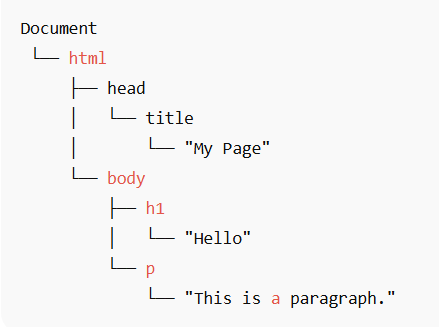
DOM stands for Document Object Model, It is a tree-like structure that represents all elements of an HTML document in a hierarchical way.
Every tag (element) in your HTML becomes a node in the DOM tree.
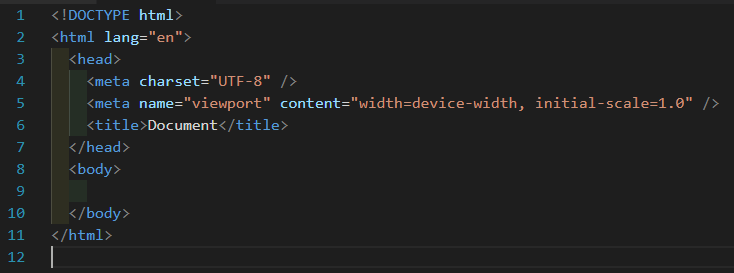
Note : HTML is not strict like a programming language, but syntax errors can still cause problems.
If you type <h7>text</h7> HTML don't tell you syntax errors and text will appear on browser
You must use proper HTML5 , CSS3 syntax to ensure that browsers process your documents properly.
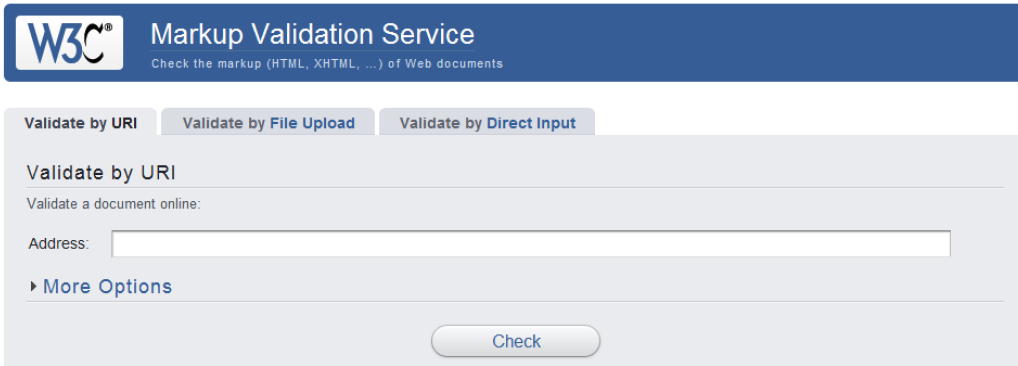
Use : http://validator.w3.org/ W3C to validate your HTML5 & CSS3 code
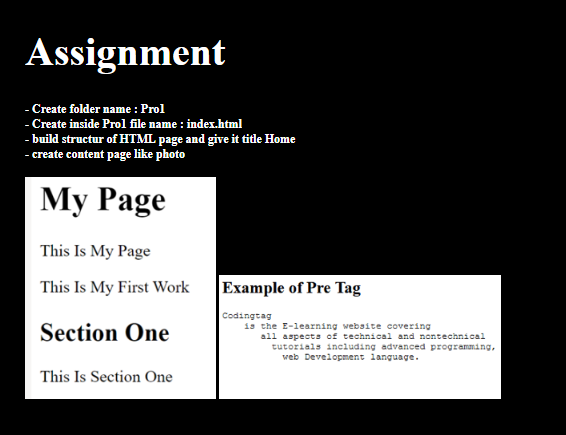
Note : HTML automatically collapses multiple spaces and line breaks into a single space.
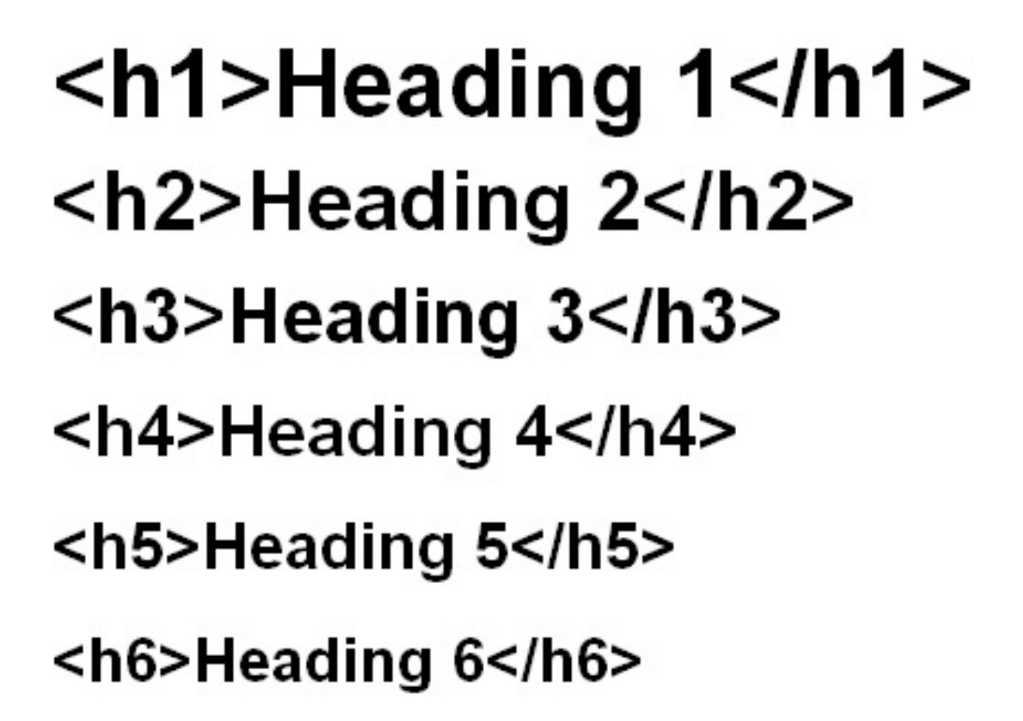
Six levels : (h1 , h2 , h3 , h4 , h5 , h6) for title inside page
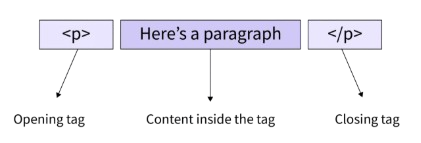
HTML stands for paragraph. It's used to define blocks of text.
<p></p>
<p> Lorem ipsum dolor, sit amet consectetur adipisicing elit. Expedita necessitatibus asperiores officiis, voluptas modi beatae id ut, nihil fugit saepe nulla unde sit earum doloremque cupiditate totam optio laborum ipsum.</p>
HTML stands for "preformatted text". It tells the browser to:
           <pre>
          This      is
                      exactly       as
                  you      typed.
          </pre>